Types of Targeting in Outbrain – How to Find Your Customers on Content Sites
In today’s world, we want to reach our target audiences across as many platforms as possible. With the evolution of content site advertising platforms – Outbrain and Taboola, they offer many tools for advertisers to reach the relevant audience. In this article, I am going to share the extensive targeting types Outbrain offers, what each targeting type means, and how it will help you reach your customers through content site advertising
Targeting Types in Outbrain
Targeting by Placement - Placement Targeting
In this targeting type, you choose which device to advertise on, whether on a specific browser, or to people using Wi-Fi only (suitable for websites with heavy and slow landing pages).
Targeting by Location
Standard targeting where you choose targeting by country, region, or zip code.
Using Custom Audiences - Audience Segments
Here you have the option to choose custom audiences that are created beforehand, such as lookalike audiences, audiences from existing lists, pixel audiences, etc.
Targeting by Interests
We can target people according to the interests defined by Outbrain and focus the advertising as much as possible. This feature allows you to select your target audience segment based on the topics they are most interested in giving you a higher level of granularity when choosing where your campaign will run. From the list of interests, you can choose an entire category. You can also select a subcategory within that category, or any combination of subcategories and categories you want.
When you want to narrow down interests as much as possible, there is an AND option where you can target, for example, someone interested in “Soccer” AND “Cooking” – the ad will only be displayed to those who have both interests together.
You can also exclude interests that you do not want the campaign to be shown to.
Another thing it shows is my site visits, and based on that, it analyzes our interests; here, for example, are mine:
Targeting by Device / Browser Type
You can choose which type of device / browser you want to advertise on, Wi-Fi usage only, and skip users using AdBlock:
Targeting by Website Content (Contextual IAB)
You can target your campaigns to the most relevant articles in terms of content and specifically for your audience. This targeting tool allows the use of official categories defined by the IAB organization, ensuring the campaign runs only on specific pages that meet the criteria you selected – from broad topics like “Business & Finance” to more focused and specific topics like “Hobbies & Interests > Chess”. This tool works in contrast to targeting by interests, focusing instead on the type of content where the user is reading the article.
Targeting Based on Third-Party Data (Attributes)
Alongside user targeting options such as location, operating system, platform, and specific website categories, Outbrain also offers targeting capabilities based on third-party data and parameters such as interests and a variety of personal user attributes collected by Outbrain’s content and media partners. This way, you can reach the exact target audience for you more easily and efficiently. These targeting options are up to 15% more expensive than standard targeting.
High impact placements
This option allows marketers to capture audience attention by appearing in selected placements and premium websites. Please note that there is a minimum bid required to appear in these premium placements.
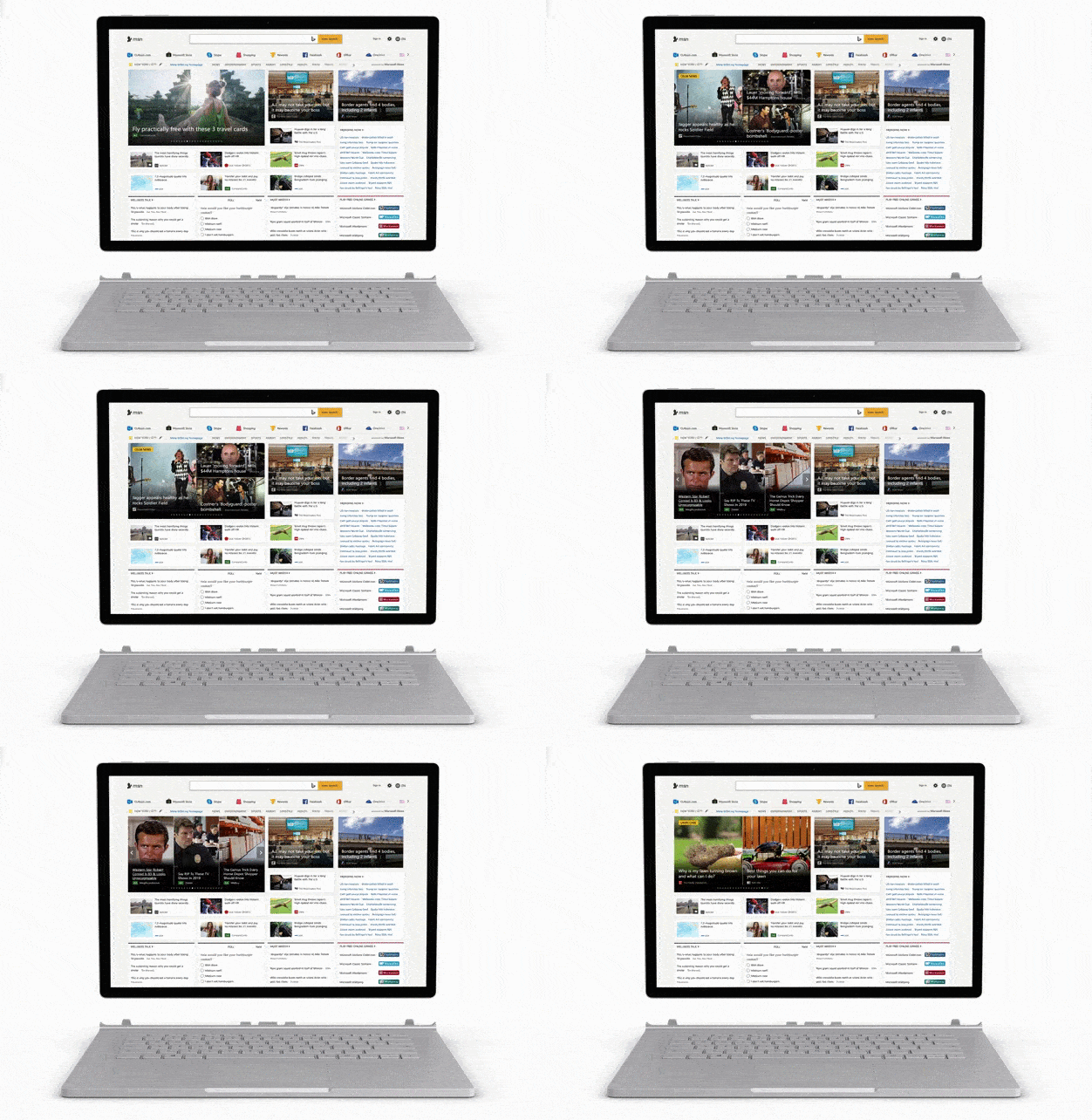
MSN Placements
Outbrain defines MSN as a recommended site to advertise on and gives you the option to run a separate campaign exclusively on the MSN site.
Its advantages according to Outbrain: High page visibility – homepage, Edge, and article pages. Brand-safe environment – strict advertising guidelines. Impactful formats – high-impact placements. Performance – higher-than-average conversion rates across the Outbrain network. Global coverage – 40+ international markets, 20+ languages, 500 million daily readers
Note that this is especially beneficial for older demographics with lower tech literacy
OEN Placement
OEN, or Outbrain Extended Network, is a tool that grants marketers access to websites that are not in direct partnership with Outbrain. The tool gives access to thousands of additional publishers. It adds traffic and can improve campaign performance. Like all Outbrain campaigns, OEN uses behavioral data to identify opportunities and provides campaigns with over 5,000 additional websites – at no extra cost. Note that sometimes the traffic there is of lower quality
Remarketing in Outbrain
Outbrain has a pixel that can be implemented on the site to build custom remarketing audiences. With custom audiences, we can target people further down the funnel, leading to significantly higher content engagement, as well as significantly higher conversion rates with lower acquisition costs.
Lookalike Audiences
Another tool that can be very effective in Outbrain is the ability to create lookalike audiences – audiences similar to the audience already active on your website. The system finds people similar to the original audience you define in Outbrain; the original audience can be just people who clicked on your campaign or a remarketing list you built. This option can yield a higher quality and more targeted audience.
Summary
In this article, we presented the standard and advanced targeting types, as well as the premium placements where Outbrain allows you to be flexible in your ability to appear anywhere. We can use these tools to get the most out of our campaigns, make the work easier, reach precise audiences, and achieve great results.
Today, anyone who does not use Outbrain’s tools to improve their digital campaigns, including a serious use of their remarketing capabilities, harms their campaigns and misses out on another advertising platform that can deliver very strong results.
About the Author
Adi Golan, Campaign Manager at Fialkov Digital, specializes in advertising with advanced tools and automations.