Recently, Facebook released new tools for advertising on Messenger, ranging from ads that open a conversation with the page to ads that pop up in Messenger as a message to anyone who has already messaged the page. Combined with a chatbot – the new ads tool can be a very powerful tool for businesses in generating leads. From our experience, chat ads generate a lot of leads with an emphasis on high-quality leads. In the following guide, I will explain how to build all types of ads that exist today for Messenger, including remarketing to those who messaged the page via chat.
Ads that direct to Messenger
A Messenger ad looks like a website ad, just with a Message button
How do you build ads that direct to Messenger?
The ad is only available for the News Feed
Ads are available with images / video and slideshows
When building the ad, select Messenger and then Message Text
There are many call-to-action buttons, I recommend sticking with the “Send Message” button because people don’t understand what they are clicking on
Creating an advanced ad – JSON
You can select the image, text below and above the image, and a link to your website
You can run a test and send the sample ad to yourself:
For those who also know programming – you can create more complex ads via JSON:
How to measure the campaign?
In Ads Manager, select Customize Columns and then you can see how many new conversations were created and how much each conversation cost us
Direct Ads in Messenger
When creating an ad, if we select Messenger as the placement, we will get Messenger Sponsored Messages
The ad will only work for those with whom we have already had a conversation in Messenger
You can only create a link ad with an image:
Link ads include a call-to-action button, a link, and they pop up for the user as a new message in Messenger:
Remarketing for Messenger
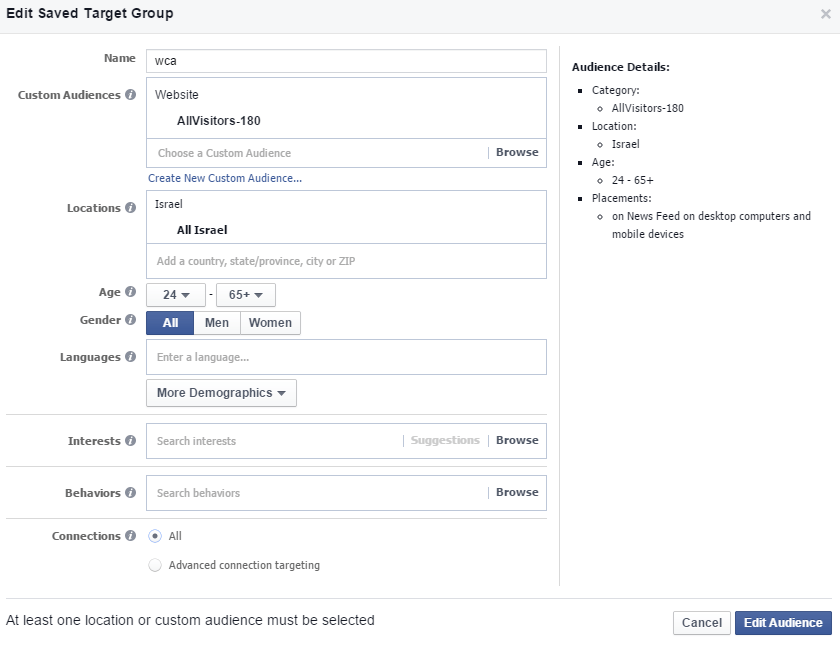
Under Audiences select Create Audience and then Custom Audience:
Select Page:
Future Tools
Facebook introduced advertising on the Messenger home screen today
A bit about me:
Or Fialkov is the CEO and owner of Fialkov Digital, a digital marketing and advertising agency. He runs paid campaigns on Google, Facebook, Instagram, YouTube, LinkedIn, and TikTok, and builds websites and landing pages. He also implements AI in businesses, including AI agents, agentic marketing automation, AI reporting systems, GEO (Generative Engine Optimization), and AI video for campaigns.