Advertising on Instagram – Everything You Need to Know, The Complete Guide

Marketing on Instagram - The Complete Toolbox

Advertising on Instagram – Links, video, lead ads, and Stories, how to advertise on Instagram – Facebook recently added the option to create ads in Instagram Stories, and following that, I wrote a guide on Instagram marketing – including all options and tools. In this post, I will explain how to connect your page to your Instagram account, then review the types of ads available on Instagram, and finally explain how to build ads in Instagram Stories

For those wondering if their audience is on Instagram, here is an insight from Tal Forman, Head of the PPC Department at Fialkov Digital: “The fear that your audience is not on Instagram is unfounded; it is the same audience you target on Facebook, only you find them in a different MOOD, browsing a different platform. If your audience isn’t there, the worst that happens is you won’t spend the budget. It is of course important to tailor the creative to ‘Instagram language’, we were pleasantly surprised by the results this placement yielded for us.”


Connecting the Page to an Instagram Account

In the first step, you need to connect your Instagram account to your page, either through the page or through Business Manager. I prepared a short explanation on how to connect through your page:

Step one – connect the Instagram account via the page: Settings > Instagram Ads > Add an account

Tools for Designing Instagram Posts

You can connect the existing account or create a new one if the client does not have an Instagram account:

After connecting, you will see the page in the settings:

Ad Types: Link, Carousel, Video, Leads, and Stories

Link Ads

Today, you can create link post ads on Instagram that direct to a website. A single click on the image highlights the call-to-action button, and clicking it brings the user to your website. Previously, before this method, people would click on the image and accidentally land directly on the website, resulting in a very high bounce rate.

Here is an example of several ads that direct to a website, though they are very reminiscent of Facebook ads:

Instagram Marketing

I prefer ads that match the Instagram feed, here are a few examples:

Instagram advertising campaign analytics dashboard showing conversion metrics
Instagram sponsored story ad with interactive swipe up call to action
Tools for Designing Instagram Posts

Want to improve results? Here is a great little tip from Etgar Shpivak, Content Promotion Expert: “Write in the text accompanying the image what the user should click on, for example write that they should click the ‘Install Now’ button”

Carousel Ads

Today, you can create link ads (with or without video) that combine multiple images directing to a website (or app install); scrolling right or left reveals additional images:

Instagram carousel ad format showing multiple product images
Set up the shop2

Tip from Dana Vesely, Campaign Manager at Fialkov Digital – “An Instagram user sees and is exposed to countless photos, ads, videos, etc. each day. Your photo needs to be the one that makes them stop for a second and admire it. Don’t be afraid to think outside the box with a cool concept, unique, daring, and even less sales-oriented shots, but ones that undoubtedly do the job and convey the message to the consumer.

In addition, there are plenty of free apps that can help us create interesting and unique content. Here are two official apps belonging to Instagram: https://hyperlapse.instagram.com
An app that records a video of up to 15 minutes and lets you edit the speed rate at which the video is ultimately displayed. Easy to execute and pleasant to watch.

Another app that displays grids for nice collages that help edit and showcase content even without using a graphic designer”: ? https://play.google.com/store/apps/details?id=com.instagram.layout

Video Ads

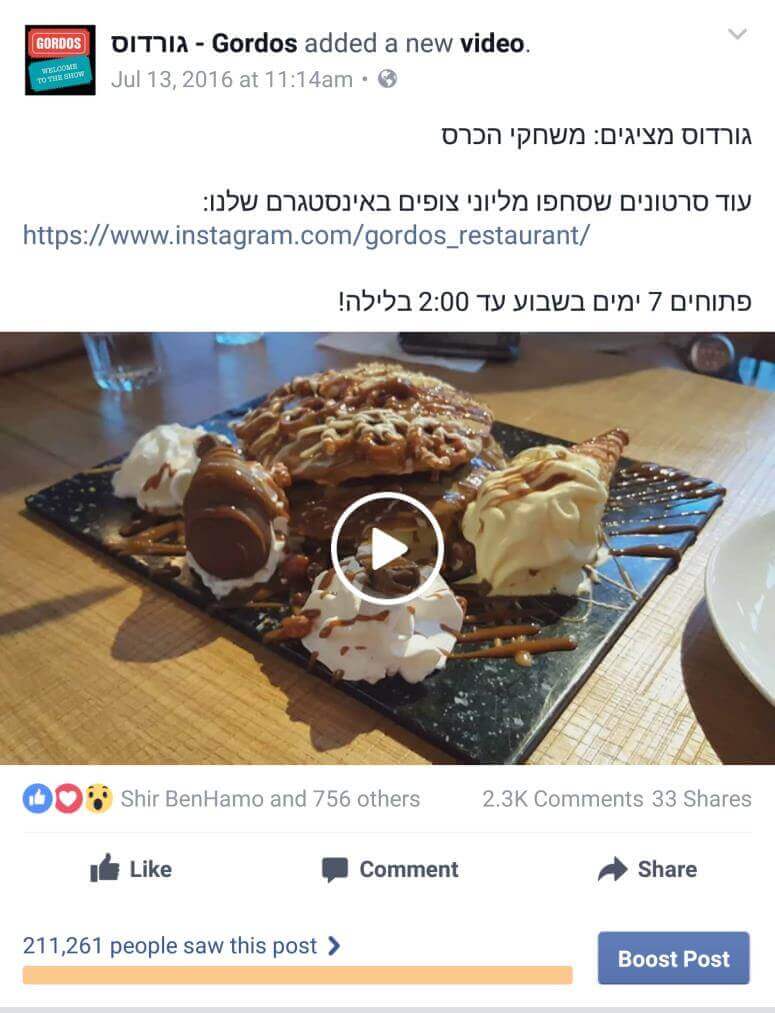
Today, you can also create video ads on Instagram (up to 60 seconds) that direct to a website (you cannot promote video only). Here too, it is recommended to adapt the video for Instagram with a square format and not just a rectangular format

Here is an example of a nice ad:

Video ad creative optimized for mobile Facebook feed display

Lead Ads

Lead ads are ads where clicking opens a form pre-filled with the user’s details, and another click sends the details to you as advertisers. In the past month, lead ads have also arrived on Instagram; here is an example of successful ads:

Set up the shop2
Instagram Explore page showcasing sponsored brand content placements

  And this is what the form looks like:

Detailed audience targeting options for Instagram ad campaigns

How to Create an Ad in Instagram Stories

Instagram Stories is a combination of photos and video similar to Snapchat, appearing in its own feed on Instagram; this option is very popular among youth.

Currently, advertising is only for images or video, without links to a website, without conversions, and without app installs

What an ad in Stories looks like:

How to build an ad:

In the campaign type, select a Reach campaign:

Under Placements, once we select the Stories placement, it will stay only on that placement and we won’t be able to advertise in additional placements:

You can choose an image of 1080 (width) by 1920 (height) pixels, or a video (in 9:16 aspect ratio) up to 15 seconds:

Single image ad format preview in Instagram mobile feed

And this is what the sample ad will look like:

Performance report metrics and return on ad spend for Instagram ads

Here is another great tip from Yan (Yanko) Kotliarsky, Head of Social Department at Moblin: “Treat Instagram as a platform in its own right. Tailor the message to the platform’s content nature, and remember that even within the platform, people behave differently when consuming content in the feed compared to content in Stories.”

A bit about me:

Or Fialkov is the CEO and owner of Fialkov Digital, a digital marketing and advertising agency. He runs paid campaigns on Google, Facebook, Instagram, YouTube, LinkedIn, and TikTok, and builds websites and landing pages. He also implements AI in businesses, including AI agents, agentic marketing automation, AI reporting systems, GEO (Generative Engine Optimization), and AI video for campaigns.